AI Sound Effect Maker

Type what you hear and get game sound effects, video transitions and whooshes, or seamless ambient loops. It makes one sound at a time, not a whole song. Making a beat loop? Set the BPM and key too.

500 chars left
Try:

Options

Make the clip loop cleanly for ambience and background audio.

Leave on Auto, or set 1–300 BPM.

3 credits per generation
New accounts get 20 free credits, enough for 6 sounds. Every plan, free included, can download MP3s and use the sounds commercially.

Your generated sound effects

Sign in to generate sounds and see your history.

Hear the examples, then make your own

Every example was made with this AI sound effect generator. Press play to listen, then click the wand icon to load its prompt and settings into the generator.

Game sound effects

  • Coin pickup

    Settings: One-shot — Length: 2.4s

    Retro 8-bit coin pickup: two quick rising square-wave blips, bright and cheerful, very short. Isolated game sound effect, no music.

  • Explosion

    Settings: One-shot — Length: 8.2s

    Large explosion: a sharp blast, deep rumbling boom and falling debris with a long fading tail. Isolated cinematic game sound effect, no music.

  • Sword draw

    Settings: One-shot — Length: 2.4s

    A steel sword drawn quickly from a leather scabbard: metallic scrape that ends in a bright ringing shing. Close-miked, isolated sound effect, no music.

  • Level-up jingle

    Settings: One-shot · Key C — Length: 5.0s

    Level-up jingle for a fantasy game: short rising chime arpeggio with a sparkling shimmer at the end. Isolated UI sound effect.

Ambience and background sounds

  • Rain on a roof

    Settings: Loop on — Length: 14.6s

    Steady rain on a tin roof with soft distant thunder. Calm ambient background, no music, no voices.

  • Forest morning

    Settings: Loop on — Length: 13.2s

    Morning forest ambience: birdsong, light wind through leaves and a distant woodpecker. Natural field recording, no music.

  • Coffee shop

    Settings: Loop on — Length: 13.5s

    Busy coffee shop ambience: indistinct chatter, cups and saucers clinking, an espresso machine hissing. Background room tone, no music.

  • Campfire at night

    Settings: Loop on — Length: 13.7s

    Crackling campfire at night with popping embers and crickets in the background. Calm ambient loop, no music, no voices.

Beat loops and music beds

  • 8-bar drum loop

    Settings: Loop on · 120 BPM — Length: 16.0s

    Drum loop at 120 BPM in 4/4: punchy kick, crisp snare on 2 and 4, tight closed hi-hats. Drums only, no melody.

  • Lo-fi hip hop beat

    Settings: Loop on · 85 BPM · Key Dm — Length: 20.8s

    Lo-fi hip hop beat loop: dusty kick and snare, warm Rhodes chords, soft vinyl crackle. Instrumental, no vocals.

  • Synthwave bassline

    Settings: Loop on · 110 BPM · Key Am — Length: 20.8s

    Synthwave bassline loop: pulsing analog synth bass with gated drums, retro 80s feel. Instrumental, no vocals.

  • Ambient pad

    Settings: Loop on · Key C — Length: 14.4s

    Ambient synth pad loop: slow evolving warm pad with gentle shimmer, calm and spacious. Instrumental, no drums, no vocals.

What you can make with our AI sound effect maker

Four real prompts and the sounds they made. Press play to hear each one.

Game Sound Effects in Seconds

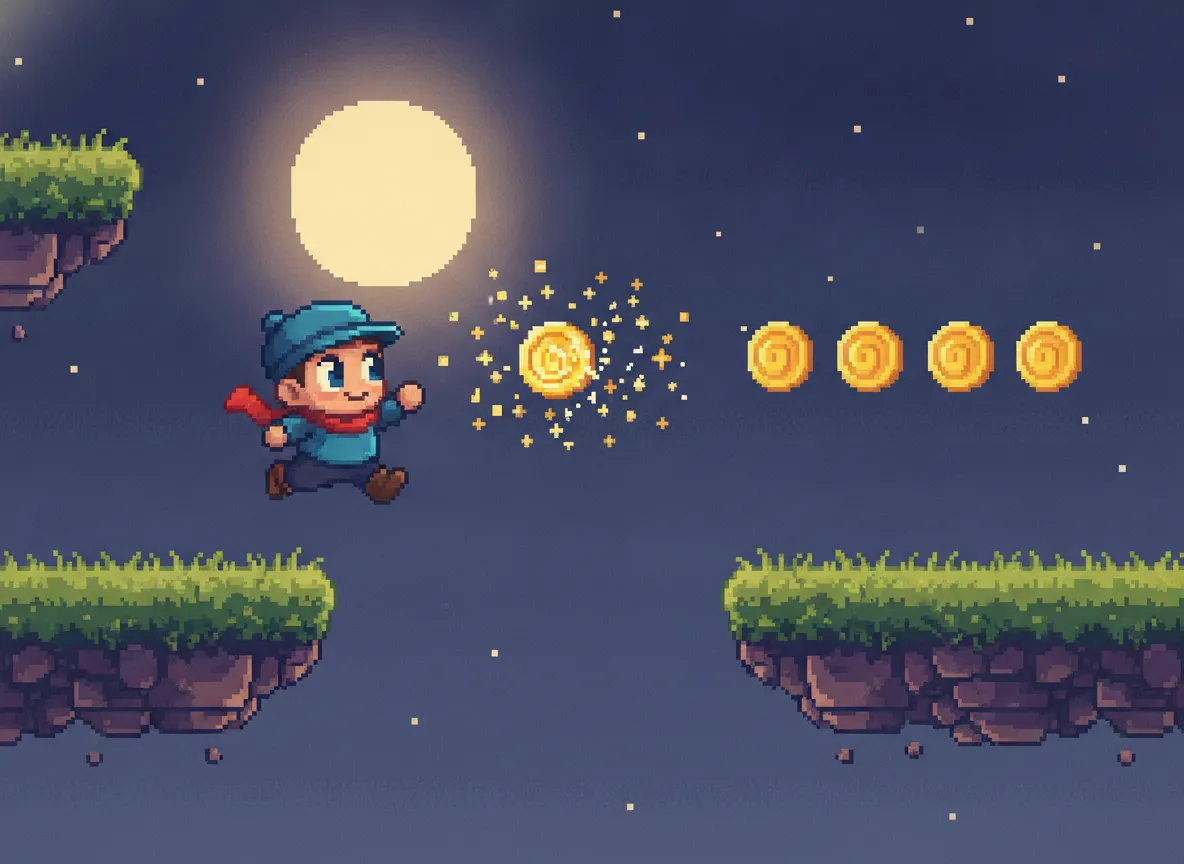
Describe a coin pickup, jump, hit or power-up and get game sound effects without building them by hand. Ask for “8-bit” or “chiptune” for the retro blips you would otherwise tweak in sfxr or bfxr. As a bfxr alternative, you describe the sound in words instead of dragging sliders. Keep each sound short and isolated so it drops straight into your game engine.

Pixel-art platformer hero jumping to collect a sparkling gold coin
Prompt
Retro 8-bit coin pickup: two quick rising square-wave blips, bright and cheerful, very short. Isolated game sound effect, no music.
One-shot · 2.4s

Sound Effects for Videos & Podcasts

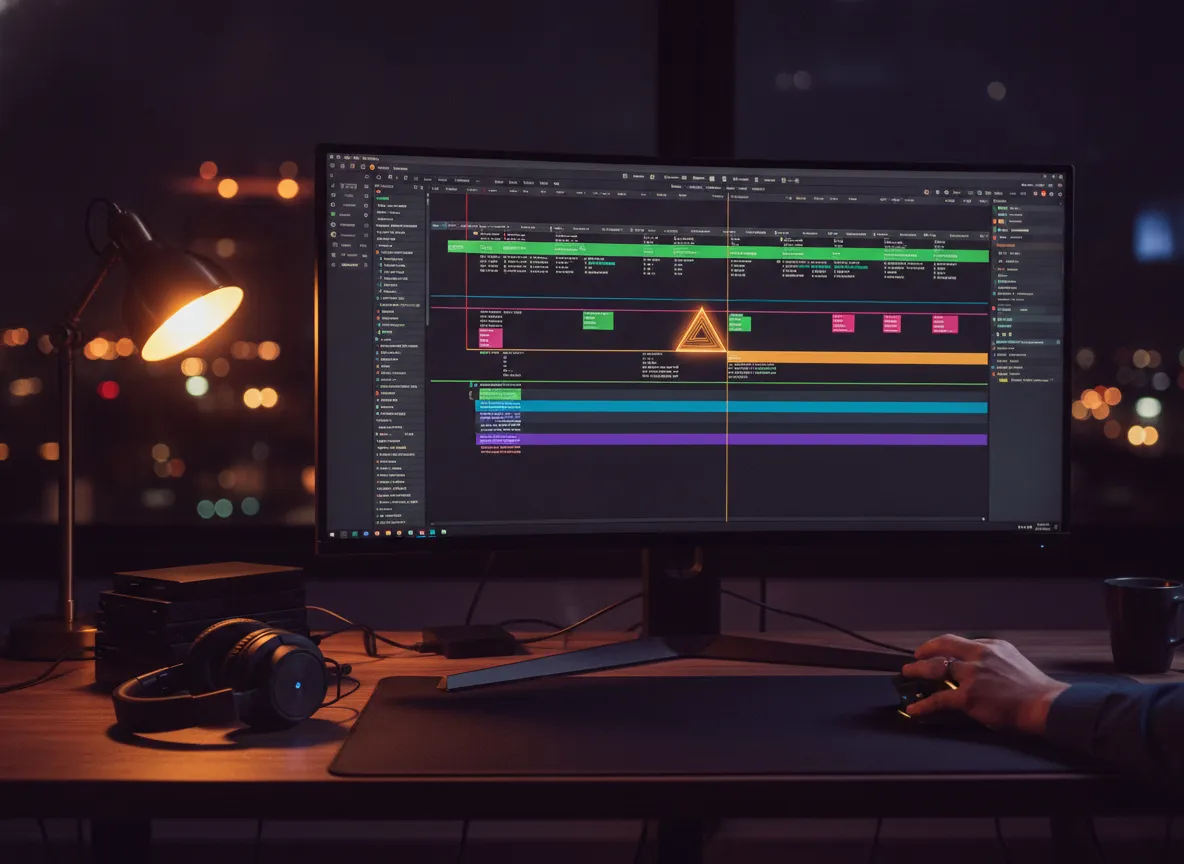
Make whooshes, risers, hits and room tone for YouTube edits, short-form videos and podcast intros. Describe the movement and how the sound should end, then drop it on your timeline.

Video editor at a desk at night with a transition marked on the editing timeline
Prompt
Fast cinematic whoosh transition: a deep airy swoosh that sweeps past and ends in a soft low hit. Isolated sound effect for video editing, no music.
One-shot · 4.0s

Seamless Ambient Loops

Turn on Loop and describe a place: rain on a tin roof, a quiet forest at dawn, a busy café, waves on a beach, wind across an open field. The clip is made to repeat without a gap, so this ambient sound generator can fill the background of a film scene, a game level, a stream or a focus session for as long as you need. Say what is close and what is far away, such as “crackling fire up close, owls in the distance”, to give the space depth. Add “no music, no voices” for a clean bed that sits under dialogue or narration.

Desk by a rain-streaked window at night with a warm lamp and tea
Prompt
Steady rain on a tin roof with soft distant thunder. Calm ambient background, no music, no voices.
Loop · 14.6s

Loops Built Around Your BPM and Key

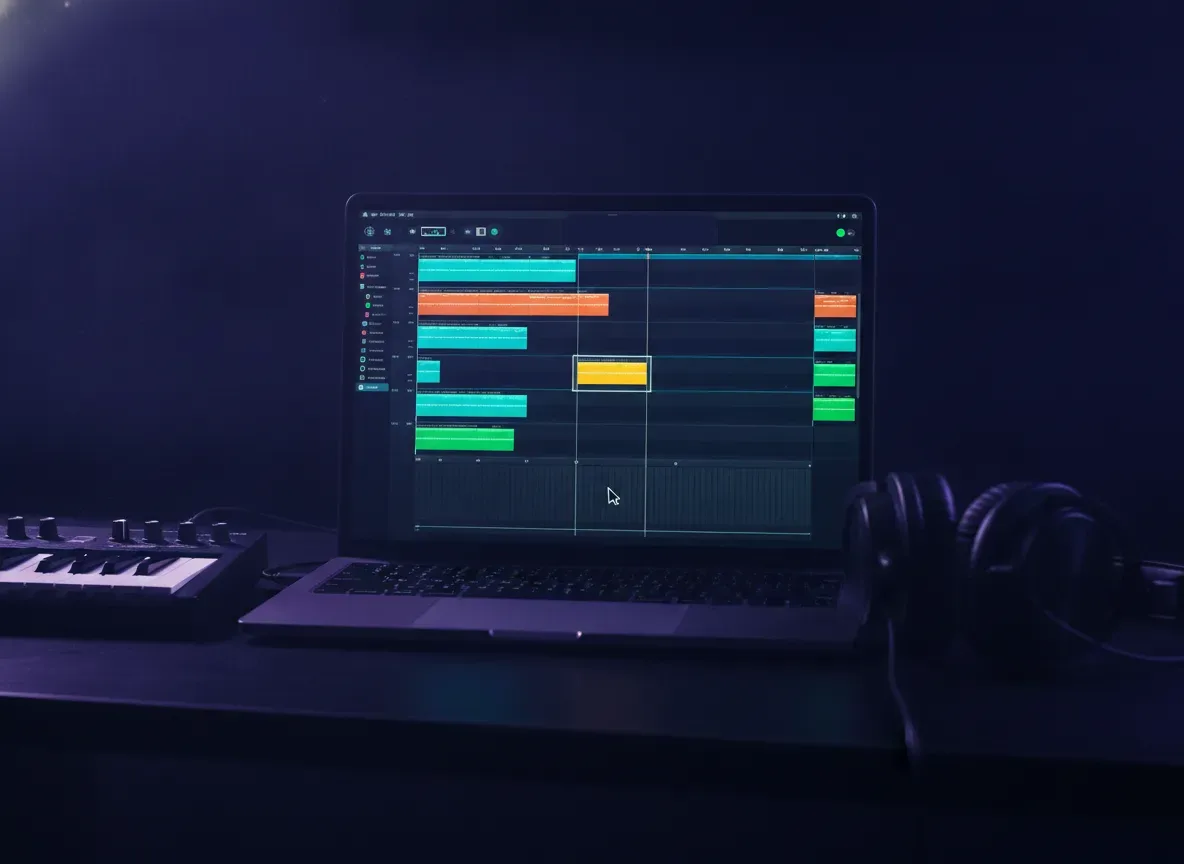
Set the tempo and key before you generate. They go to the model as settings, not just words in the prompt, like this lo-fi beat set to 85 BPM in D minor. The model aims for them but does not always hit them exactly, so check the tempo before you drop a loop into your project. Use it as a loop maker and sample generator for beats, basslines and pads.

Laptop running a music production app with loop clips arranged on a beat grid
Prompt
Lo-fi hip hop beat loop: dusty kick and snare, warm Rhodes chords, soft vinyl crackle. Instrumental, no vocals.
Loop · 85 BPM · Dm · 20.8s

How to make a sound effect with AI

01

Describe one sound

Say what makes the sound, what happens and how it ends, e.g. “heavy wooden door creaking open in an empty hall”.

02

Set loop, BPM and key

Turn on loop for ambience or game backgrounds. Set BPM and key when the sound has to sit inside a track.

03

Generate and listen

Play the result next to the form. Keep it, or tweak the prompt or settings and run it again.

AI Sound Effect Generator FAQ

Questions about making sound effects, ambience and loops from text

What is an AI sound effect maker?
It is a sound effect generator that turns a text description into audio. You describe one sound, such as a coin pickup, an explosion or rain on a roof, and the AI creates it. It works as an SFX generator for games, a background sound generator for video and a loop maker for music.
What is the difference between a sound effect generator and a song generator?
A song generator writes a complete track with structure, lyrics and vocals. A sound effect generator makes one sound or a short loop with no song structure. This page adds loop, BPM and key settings that song generators usually don’t have. For a full song with vocals, use a song generator instead.
How do the loop, BPM and key settings work?
Loop asks for a clip that repeats without an audible seam. BPM sets a target tempo from 1 to 300, or leave it on Auto. Key sets a target key, such as C or A minor, or leave it on Any. The model aims for these targets but does not always hit them, so check a loop’s tempo before you line it up with a project. One-shot sound effects usually need none of them.
How long are AI-generated sound effects, and can I control the length?
There is no exact length setting: the AI picks a length that fits the sound. One-shot effects usually last a few seconds, while ambience and beat loops run longer, often 10 to 20 seconds. Each example on this page lists its measured length. For instance, the drum loop set to 120 BPM came out at 16 seconds, which is 8 bars of 4/4. To steer the length, add “very short” or “one-shot” for quick hits, or describe a longer, evolving scene for ambience. If you need an exact length, trim the clip after you download it.
Can I make game sound effects with it?
Yes. Describe the sound and add “isolated game sound effect, no music”. Retro 8-bit pickups, explosions, sword draws, UI clicks and level-up jingles all work well. Use loop for menu music and level backgrounds.
Can it generate ambient sounds and background loops?
Yes. Turn on loop and describe the place: rain, a forest, a coffee shop, a campfire, waves on a beach, a city street at night. Name what is close and what is far away to give the space depth, and add “no music, no voices” for a clean background bed. The clip is made to repeat without a gap, so it can run under a video, a game level, a stream or a study session for as long as you need.
How do I write a good sound effect prompt?
Name the sound source, the action, the space, and how the sound ends, then say what to leave out. For example: “A heavy wooden door slams shut, low thud with a short natural decay. Close-miked, isolated sound effect, no music.”
Is this AI sound effect generator free?
You get 20 free credits when you sign up, with no credit card required. Each sound costs 3 credits, so you can make six sounds for free, and you can download them as MP3s on the free plan too. For more credits, see plans and pricing. If a generation fails, your credits are refunded automatically.
Can I download the sounds and use them commercially?
Yes. Every plan, including the free plan, can download sounds as MP3 files (WAV is not available for sound effects) and use them in commercial projects, such as monetized videos, games, podcasts and client work. Your recent sounds stay in the list next to the generator so you can play or download them again later. The sounds are generated by AI. AnySound does not claim copyright in them and is not responsible for how you use them.
How is this different from ElevenLabs Sound Effects or Stable Audio?
All three create sound from a text prompt. AnySound gives you loop, BPM and key as separate settings instead of leaving them to prompt wording. Downloads are MP3 only and there is no length setting, so if you need WAV files or a clip of an exact length in seconds, a tool with those options may suit you better.
Still have questions? Email support@anysound.org

Make your first sound effect

Describe one sound, set loop, BPM and key, and listen to the result.

See plans and pricing